
Cloud Agent (Happy CNB)
Happy is a mobile-first Vibe Coding solution built on top of CNB Workspaces, open-sourced as Happy CNB. It wraps a Workspace into a long-running cloud agent that you can drive from a phone or any browser — no local IDE installation required.
Getting Started
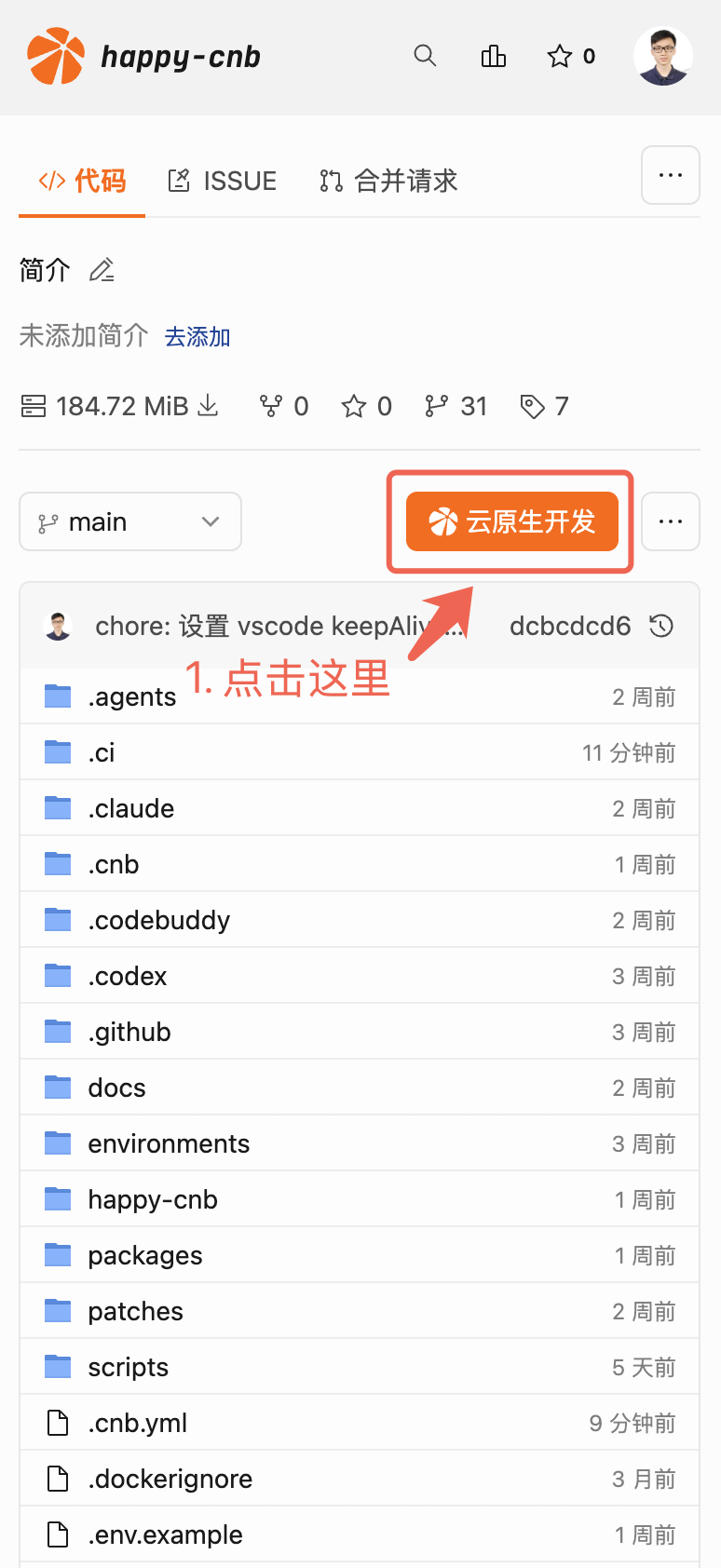
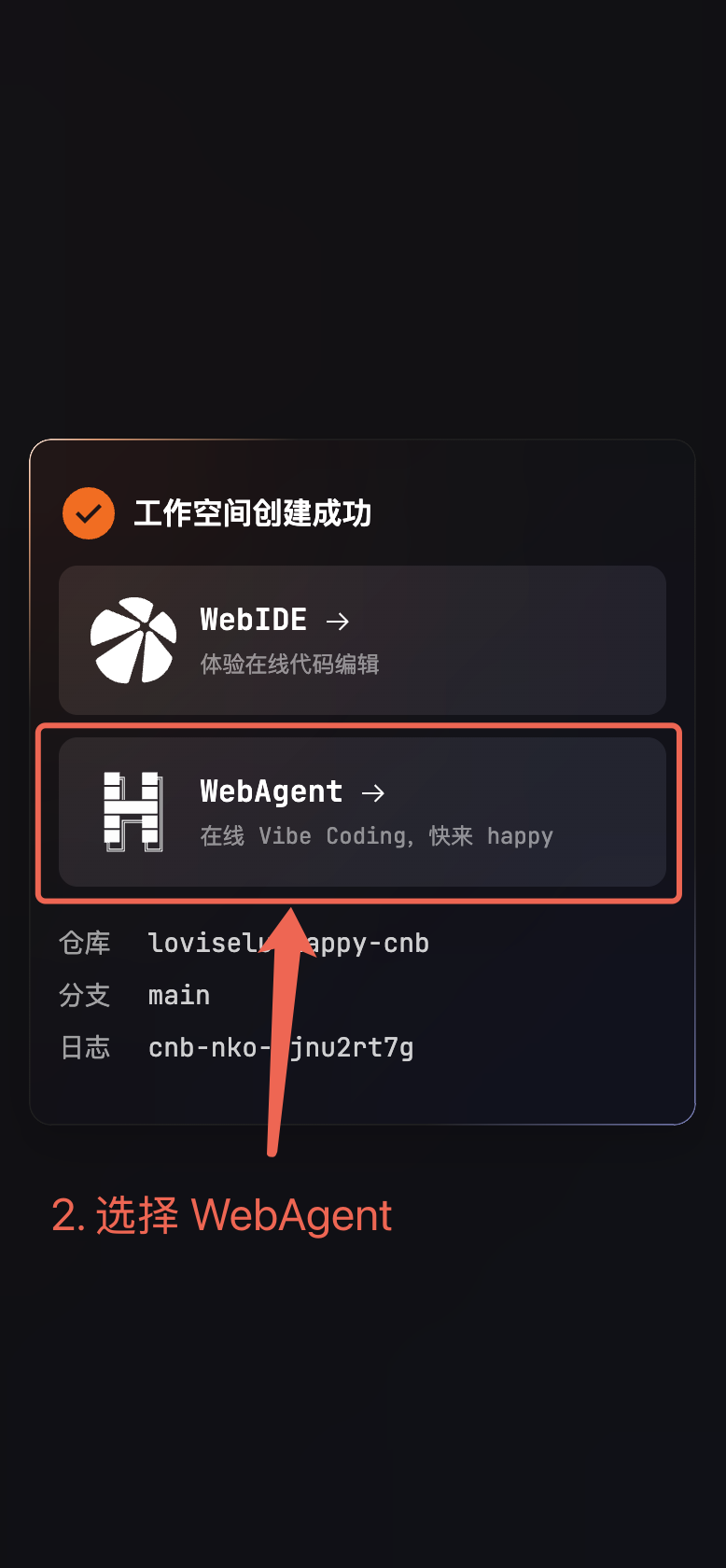
On a repository's branch page, click the Workspaces button in the top-right corner, then select Happy to enter the cloud agent workspace.
Typical Scenarios
A 24/7 cloud coding assistant
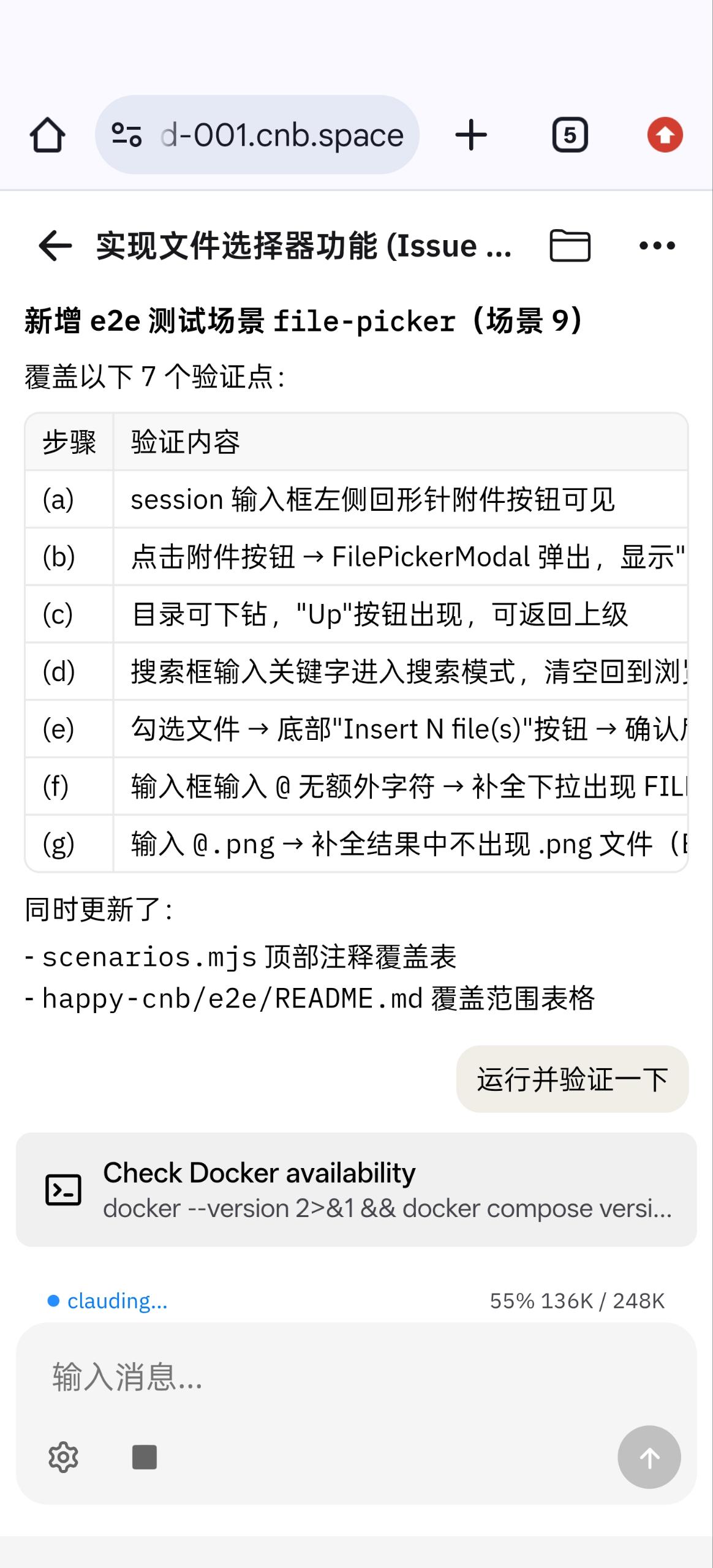
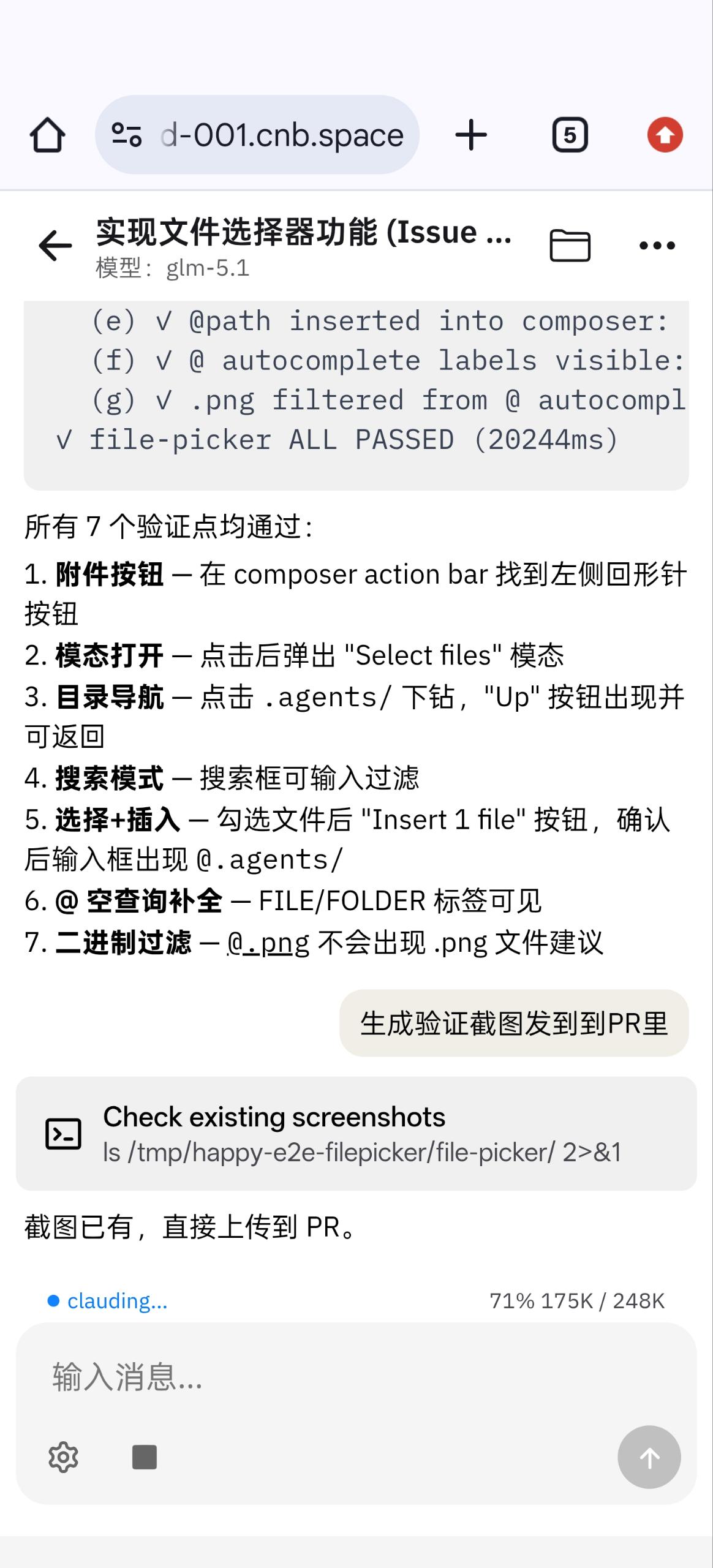
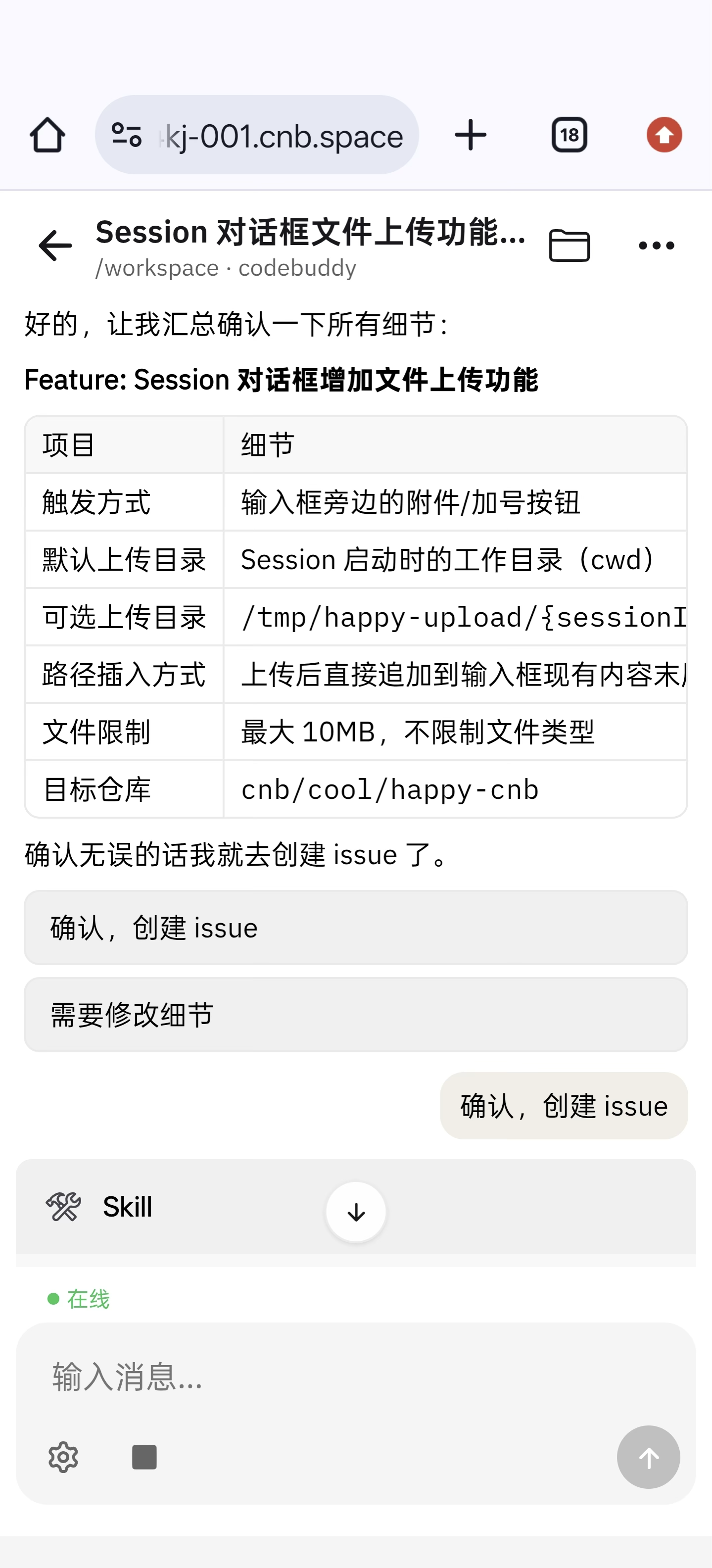
Trigger coding tasks from your phone, get real-time feedback, and make decisions on the go.
You don't need to bring your laptop or keep an SSH session alive. On your commute, between meetings, or whenever inspiration strikes:
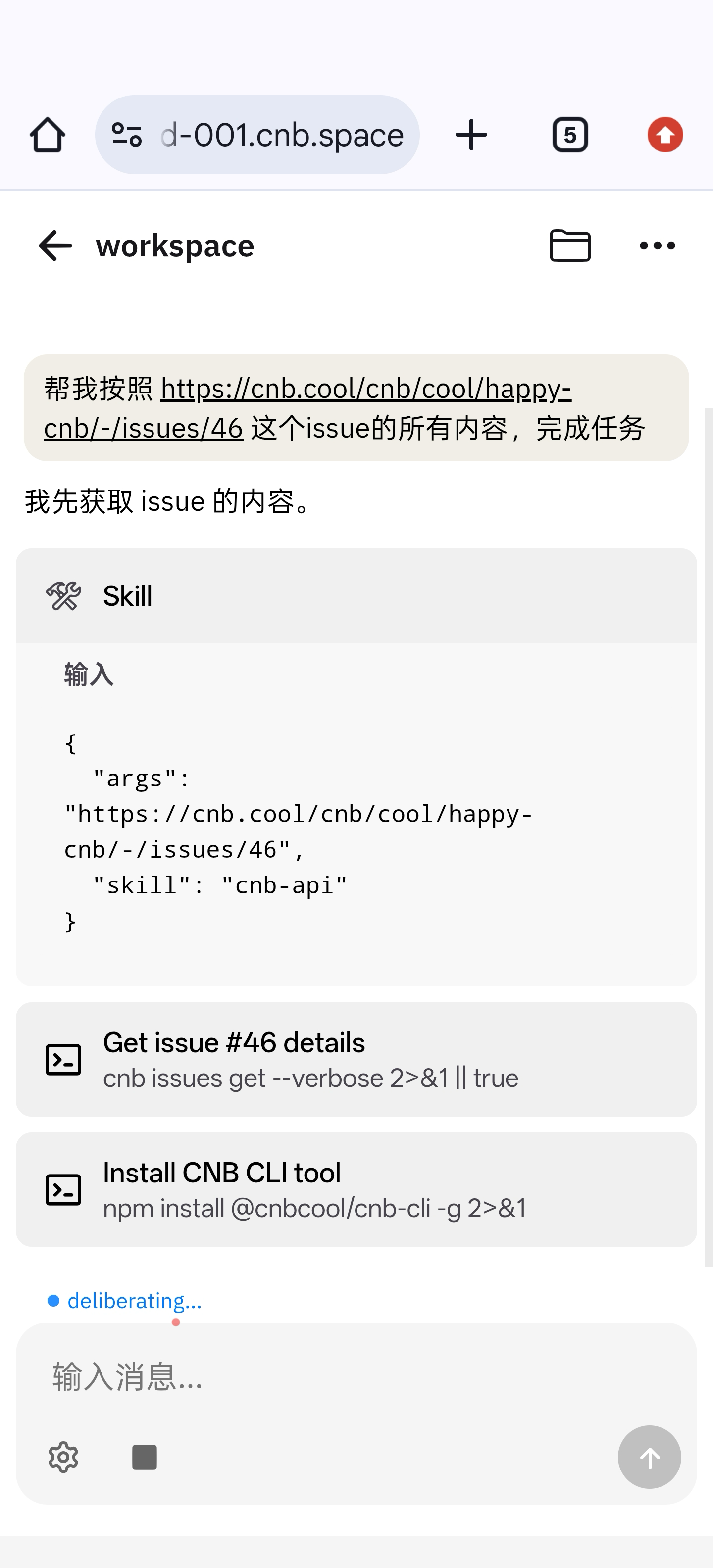
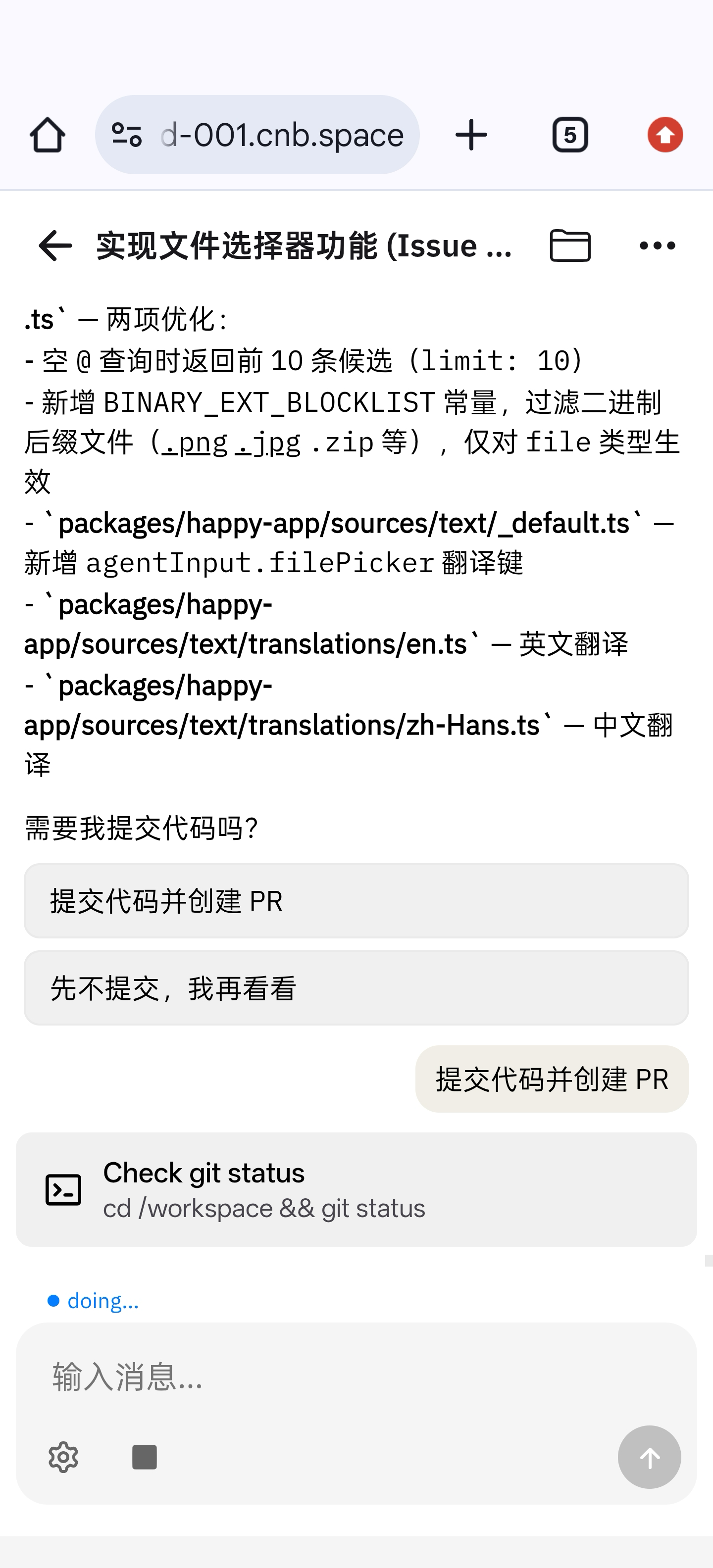
- Describe the requirement, change, or bug; the agent edits code and opens a PR.
- Watch the commands it runs, file diffs, and build logs in real time.
- When the agent gets stuck or needs approval, your phone gets a confirmation prompt — one tap and it continues.
A 24/7 cloud personal assistant
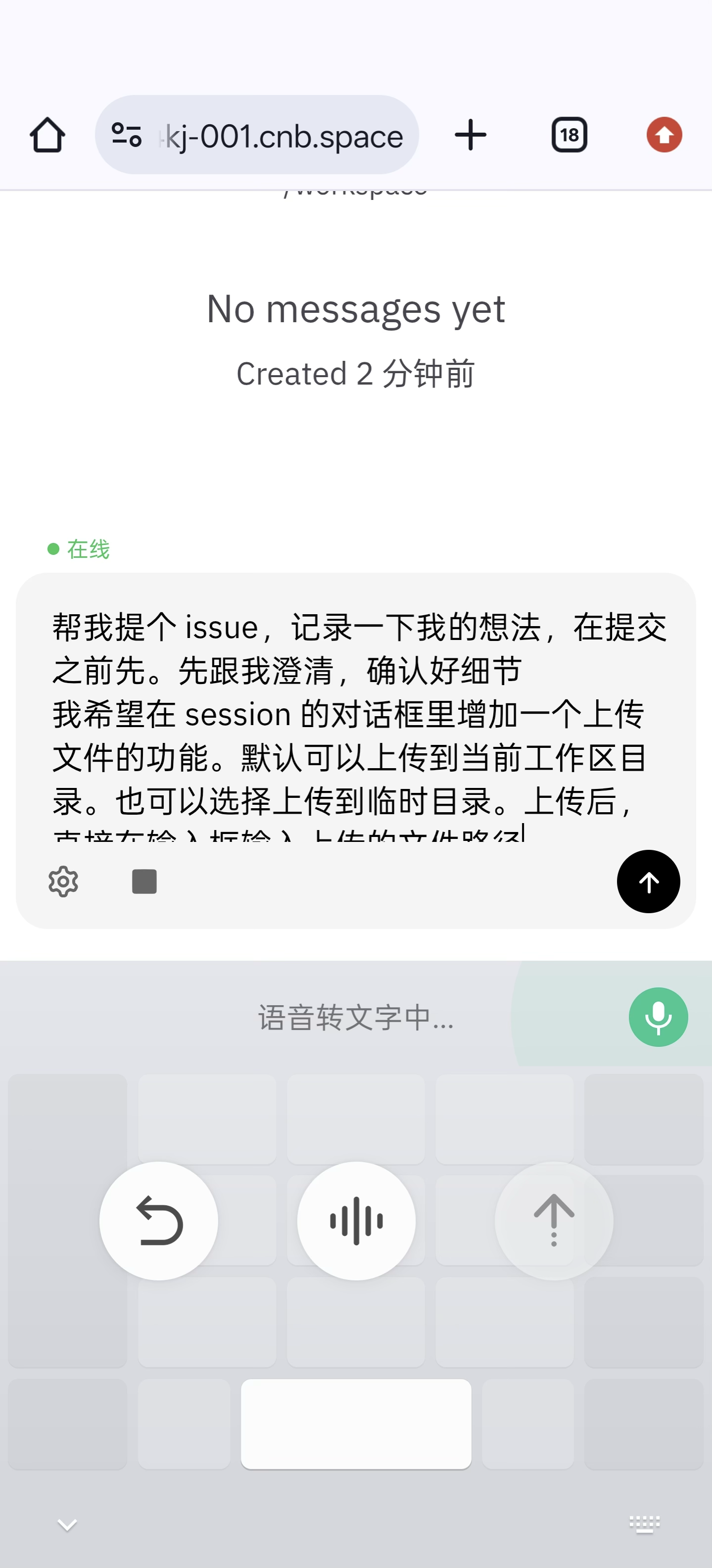
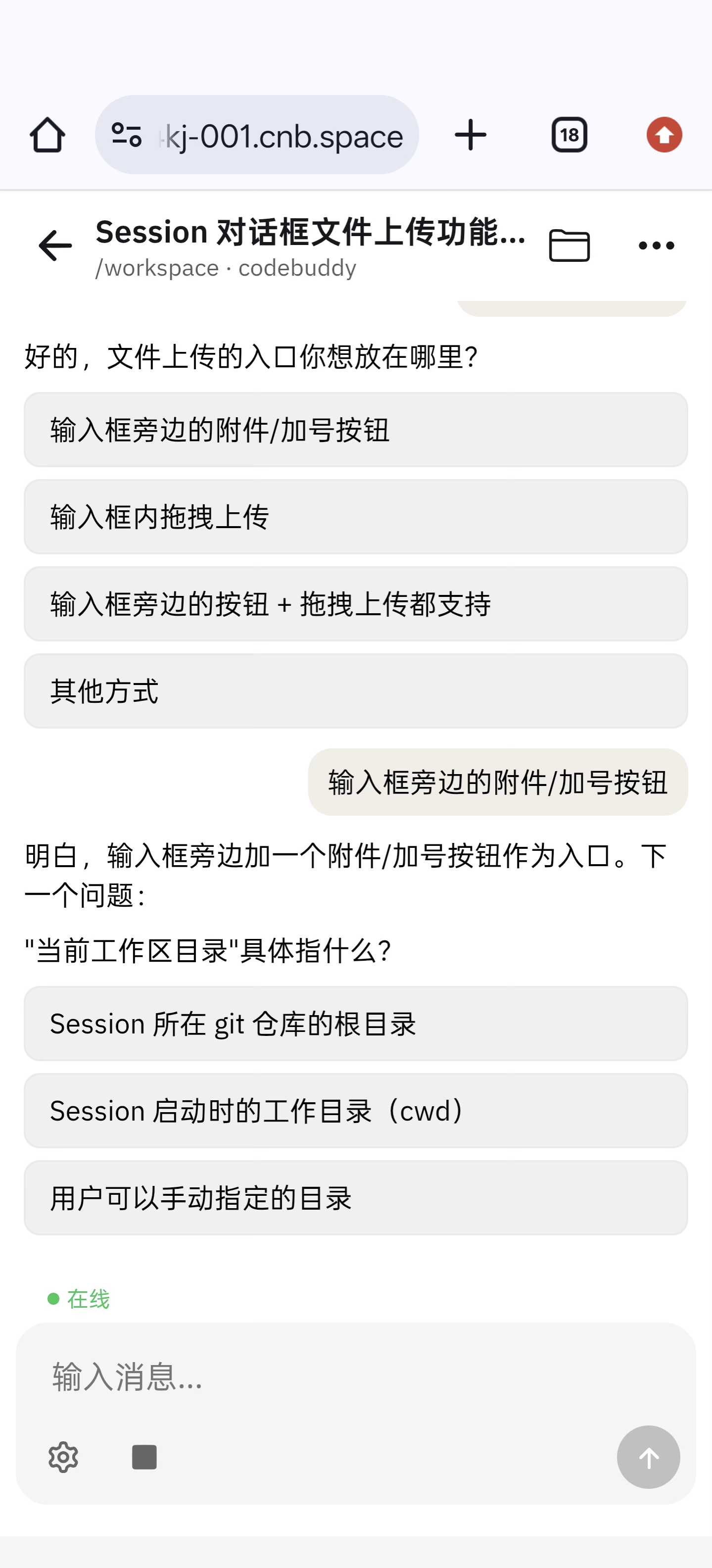
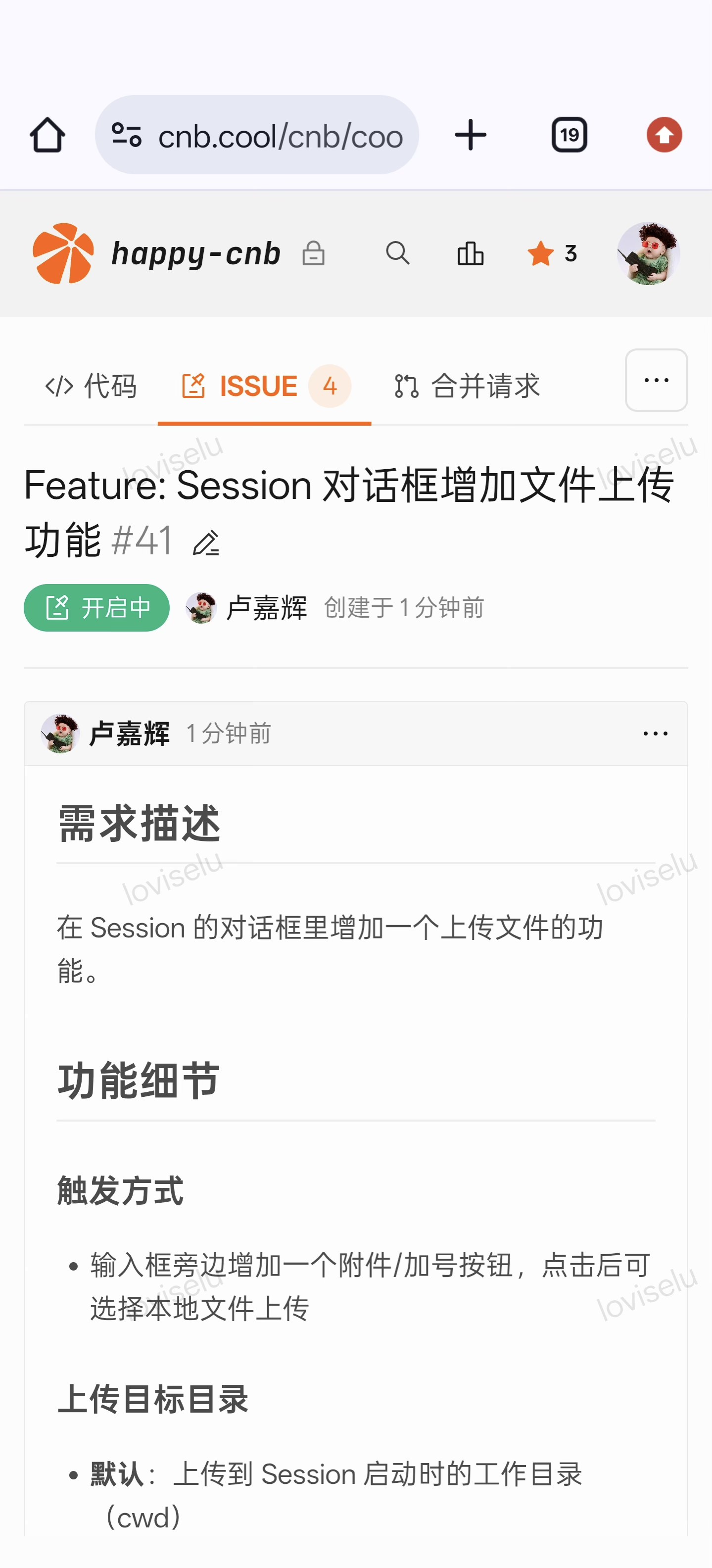
Pair it with mobile voice input to capture ideas and feedback as CNB Issues automatically.
The image ships with CNB Skills installed and the CNB Token injected, so the agent can drive the CNB platform out of the box:
- Speak an idea — the agent files a structured Issue/Comment in the right repository.
- Bug reports can include voice transcripts and screenshots; the agent labels them and pings the right teammates.
- Schedule it to scan the Issue backlog and generate daily/weekly reports.
How it differs from regular Workspaces
Happy reuses everything from Workspaces and adds four adaptations on top:
| Aspect | Regular Workspaces | Happy |
|---|---|---|
| Entry point | WebIDE / VSCode / Cursor client | Any browser, including mobile — no install required |
| Interaction | You edit code directly | Drive the agent in natural language; it edits code and runs commands |
| Recycling | Subject to the recycling policy | Reports active heartbeat while working or awaiting input |
| Pre-installed | Depends on your custom dev image | CNB Skills + CNB Token + agent browser plugin out of the box |
Model & Internals
- Models: CNB ships with GLM, Kimi, and Hunyuan (HY) by default; switch in agent settings.
- Agent core: powered by the CodeBuddy Code Agent.
- Browser debugging: the image includes the
agent browserplugin so web preview/debug flows work end-to-end.
Custom Models
If the built-in models don't fit your needs, set the following three environment variables in your Workspace to point the agent at a self-hosted or third-party OpenAI-compatible model service:
| Variable | Description |
|---|---|
CODEBUDDY_BASE_URL | API base URL of an OpenAI-compatible model endpoint |
CODEBUDDY_API_KEY | API key used to call that endpoint |
CODEBUDDY_MODEL | Model name to use (e.g. deepseek-chat) |
Where to configure: customize the remote development pipeline in your repo's .cnb.yml and inject the environment variables or secret repository file into the workspace.
$:
  vscode:
    - docker:
        image: cnbcool/code-agent:latest
      env:
        CODEBUDDY_BASE_URL: https://your-model-endpoint/v1
        CODEBUDDY_API_KEY: ${YOUR_API_KEY}
        CODEBUDDY_MODEL: gpt-4o
      services:
        - vscode
They take effect when the workspace starts and the agent will route to the custom model automatically.
Tips
All three variables must be configured together. If any one is missing, the agent falls back to the default model.
Roaming
We recommend enabling the following roaming entries so the agent keeps memory and conversation history across workspaces.
Under Personal Settings → Workspaces, add:
- CodeBuddy Code memory files: roaming files
/root/.codebuddy/**/*.md - Conversation history: roaming directory
/root/.happy-cnb
Recycling Behavior
Happy inherits the workspace recycling policy, with one mobile-friendly addition:
Tips
While the agent is actively working or waiting for user confirmation, it keeps reporting an active heartbeat to the platform, so the workspace will not be recycled. Standard recycling resumes once it has been idle long enough.
Feedback & Contributions
Happy CNB is open source — issues and pull requests are welcome:
- Repository: cnb/cool/happy-cnb
- Issue tracker: Issues · cnb/cool/happy-cnb